3.3. Tables
Tables, or entities, are containers that store several kinds of other objects like columns, constraints, triggers, rules, indexes, policies, and partition keys. These child objects will be fully detailed in the next subsections. The table's editing dialog has the following fields:
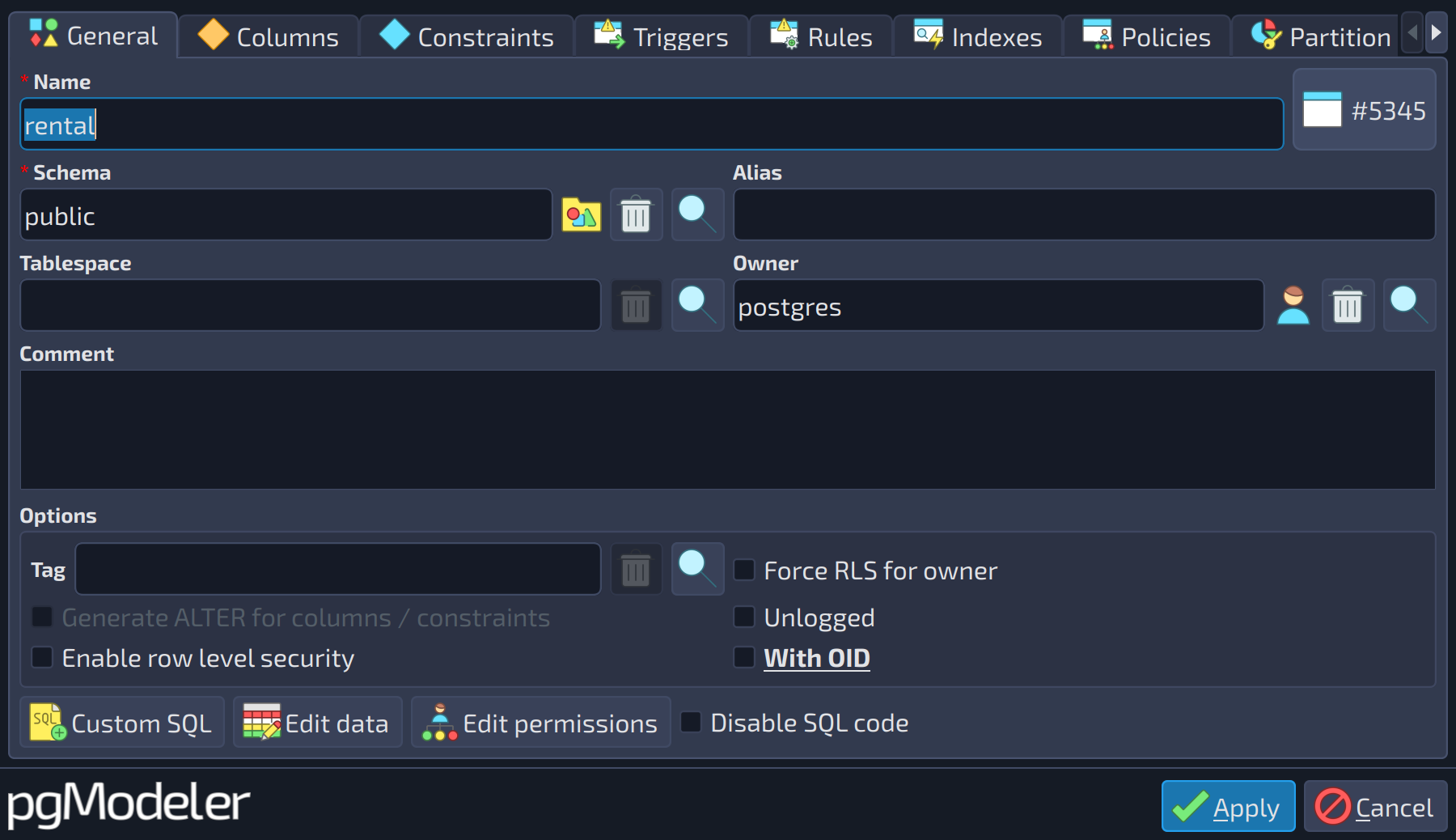 1234567
| General | |||
|---|---|---|---|
| # | Field | Group box | Description |
| 1 | Tag | Options | This attribute is used to configure the tag object associated with the table. Tags are used to visually separate tables and views, even if they belong to the same schema. Details about tags can be seen further in this chapter in the section Tags. |
| 2 | Force RLS for owner | Options | Indicates that the owner of the table should be subject to row-level security. In PostgreSQL, the default behavior is that the table owner normally bypasses RLS. |
| 3 | Generate ALTER for columns / constraints | Options | This option, when checked, indicates to pgModeler that all columns and constraints must be generated in the form of |
| 4 | Unlogged | Options | Indicates that the table should not be monitored by the WAL (write-ahead log) system. |
| 5 | Enable row level security | Options | Enables the table's row security policies that restrict, on a per-user basis, which rows can be returned by normal queries or inserted, updated, or deleted by data modification commands. This option only takes effect if there are policies associated with the table. Refer to section Policies for details. |
| 6 | With OID | Options | Specifies whether each tuple in the table should have an OID (Object Identifier) associated with it. This attribute is deprecated and is present in pgModeler just for compatibility reasons, but its use is discouraged for new models. |
| 7 | Edit data | Define initial data for the table | |
 1
1
| Columns | ||
|---|---|---|
| # | Field | Description |
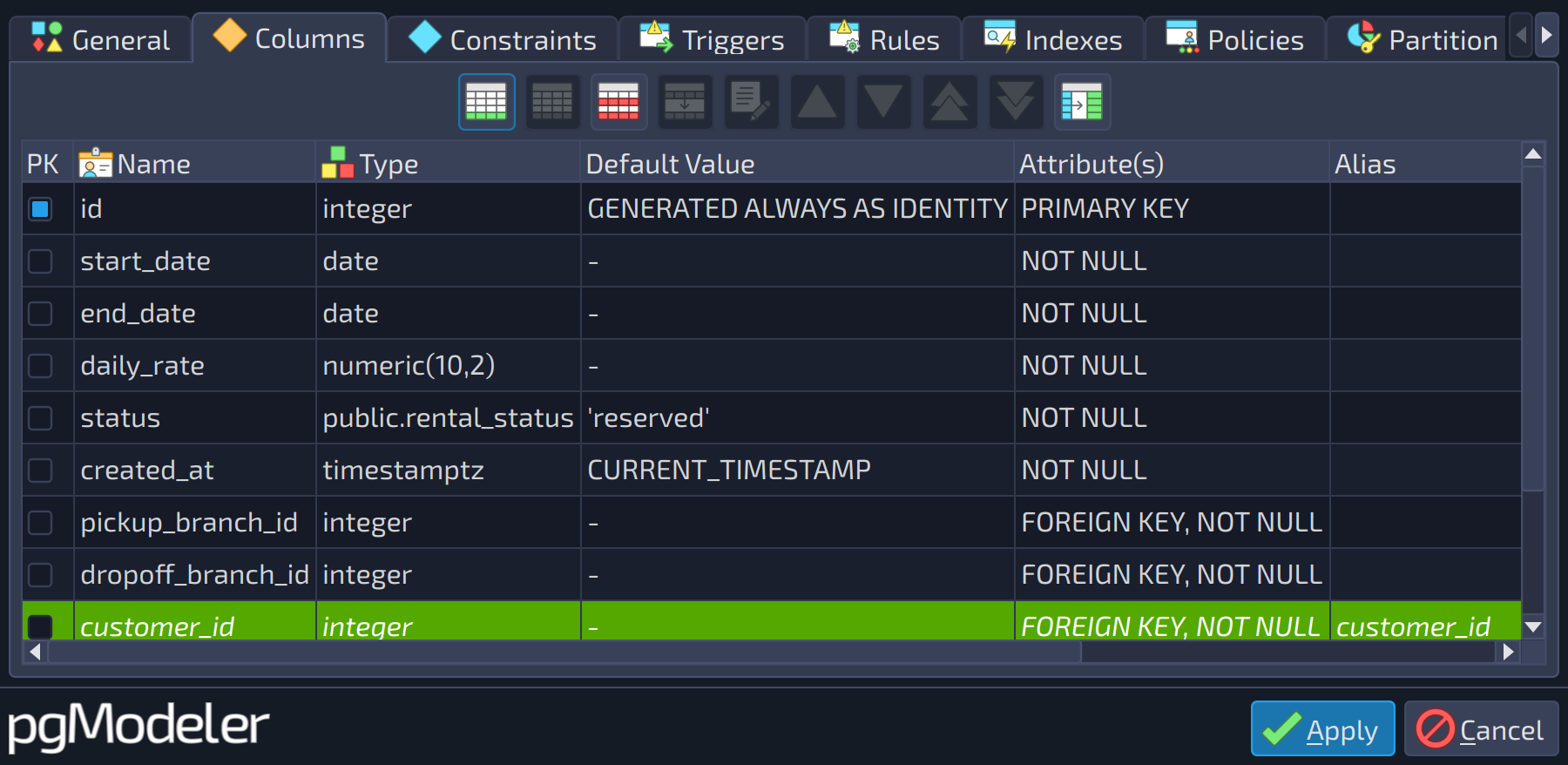
| 1 | Columns | The columns of the object (primary key mark, name, type, default value, attributes, alias, and comment). Use the buttons beside the list to add |
 , edit
  , duplicate
  , remove
  , and reorder
 them. Refer to the section Columns for the column form.
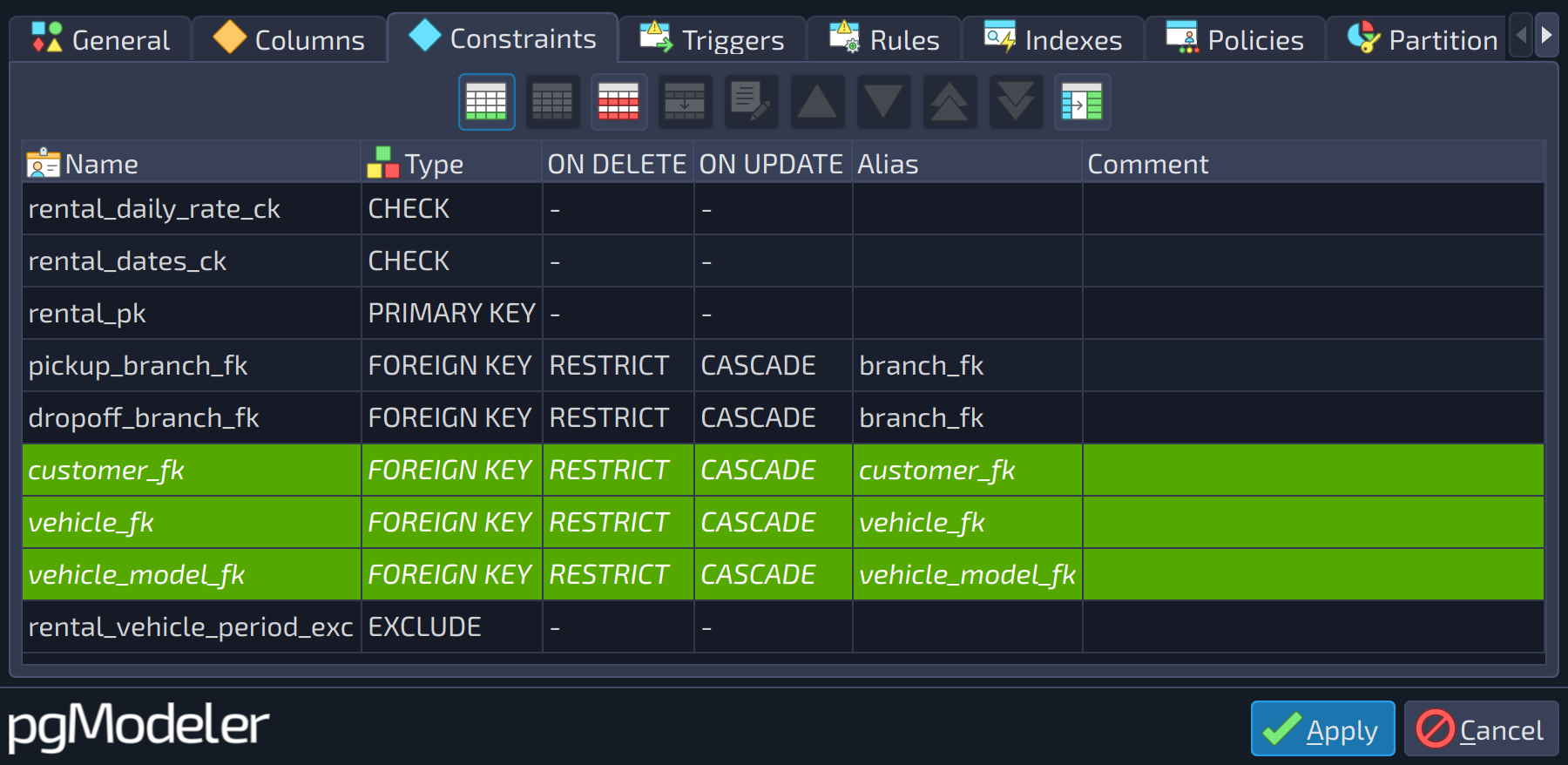 1
1
| Constraints | ||
|---|---|---|
| # | Field | Description |
| 1 | Constraints | The constraints of the table (name, type, |
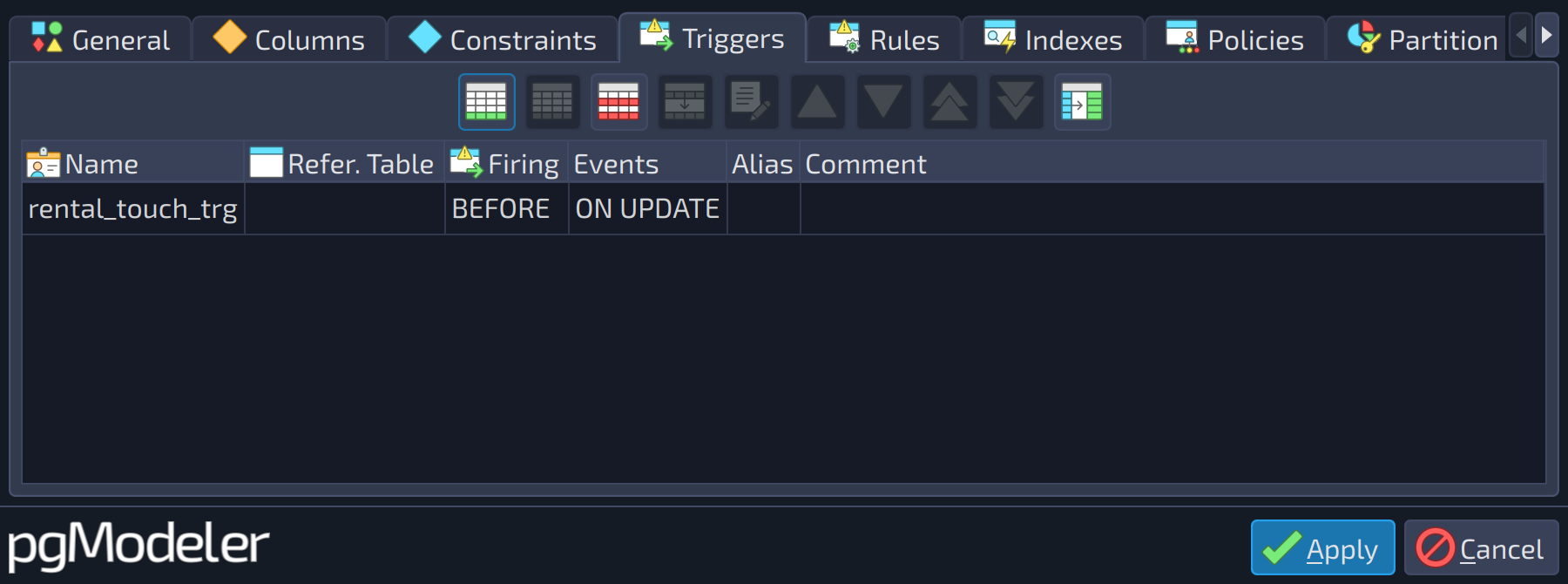 1
1
| Triggers | ||
|---|---|---|
| # | Field | Description |
| 1 | Triggers | The triggers of the object (name, referenced table, firing time, events, alias, and comment). Use the buttons beside the list ( |
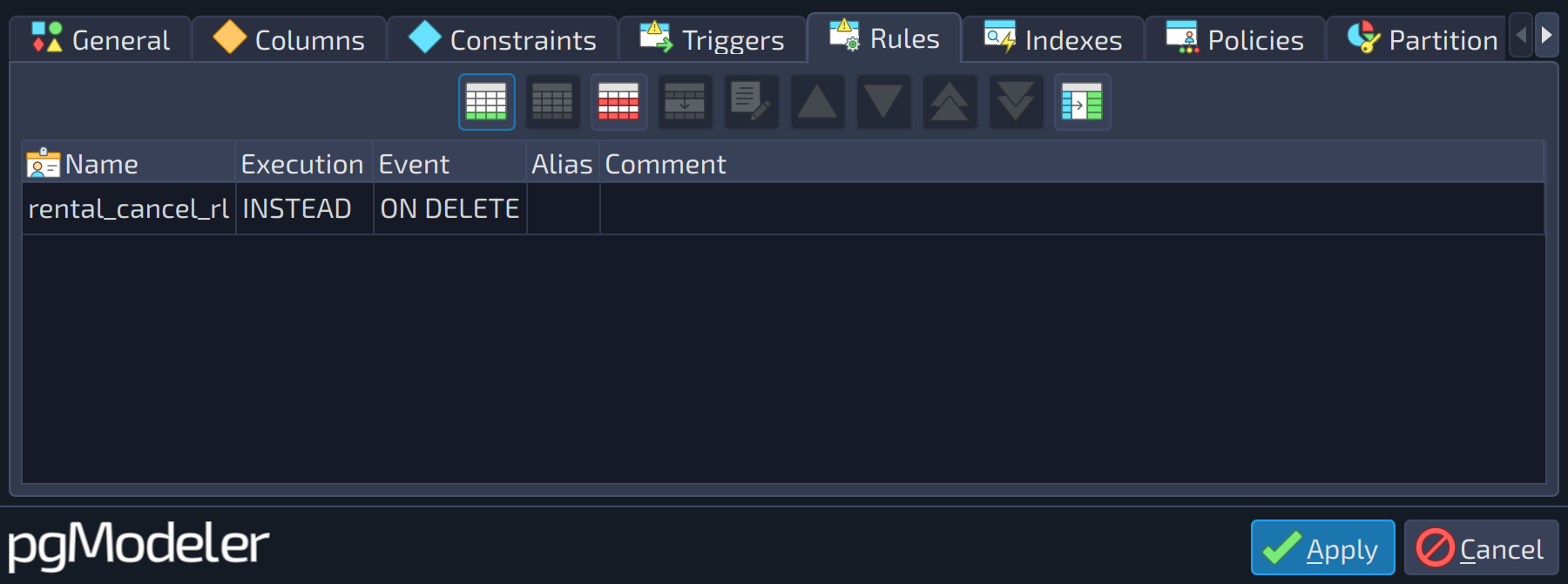 1
1
| Rules | ||
|---|---|---|
| # | Field | Description |
| 1 | Rules | The rules of the object (name, execution, event, alias, and comment). Use the buttons beside the list ( |
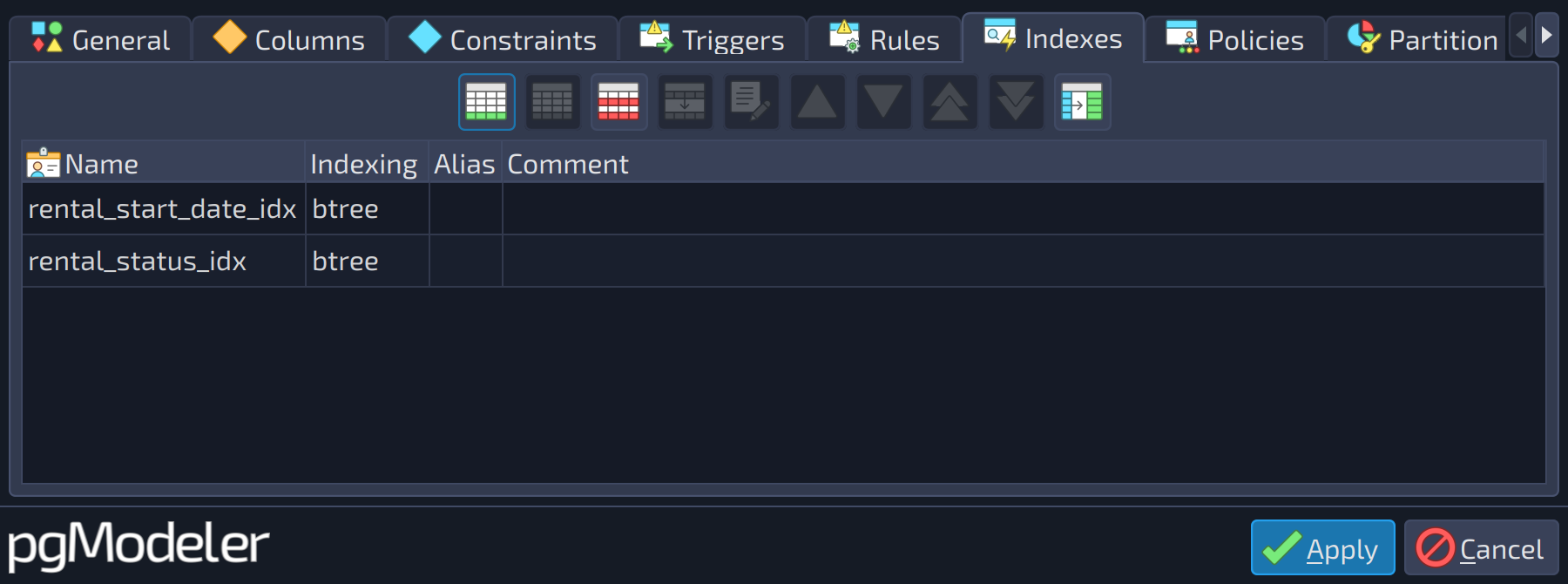 1
1
| Indexes | ||
|---|---|---|
| # | Field | Description |
| 1 | Indexes | The indexes of the object (name, indexing method, alias, and comment). Use the buttons beside the list ( |
 1
1
| Policies | ||
|---|---|---|
| # | Field | Description |
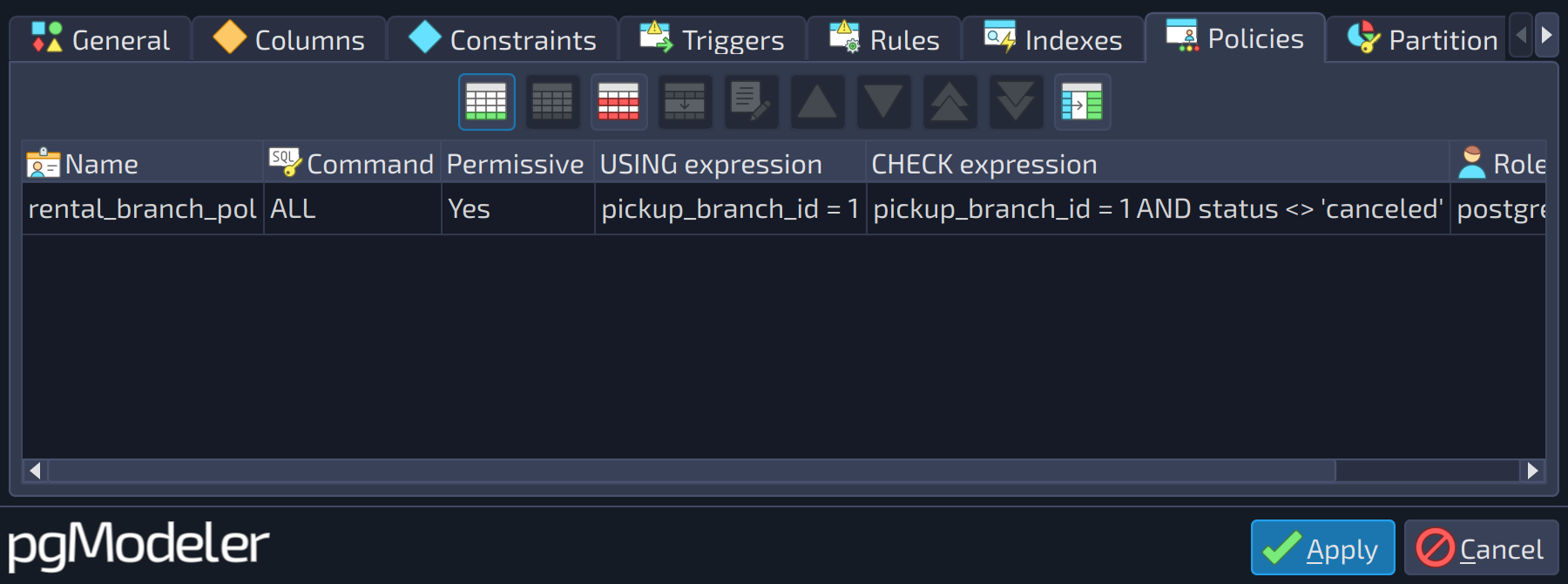
| 1 | Policies | The policies of the table (name, command, permissive flag, expressions, roles, alias, and comment). Use the buttons beside the list ( |
 12
12
| Partition keys | ||
|---|---|---|
| # | Field | Description |
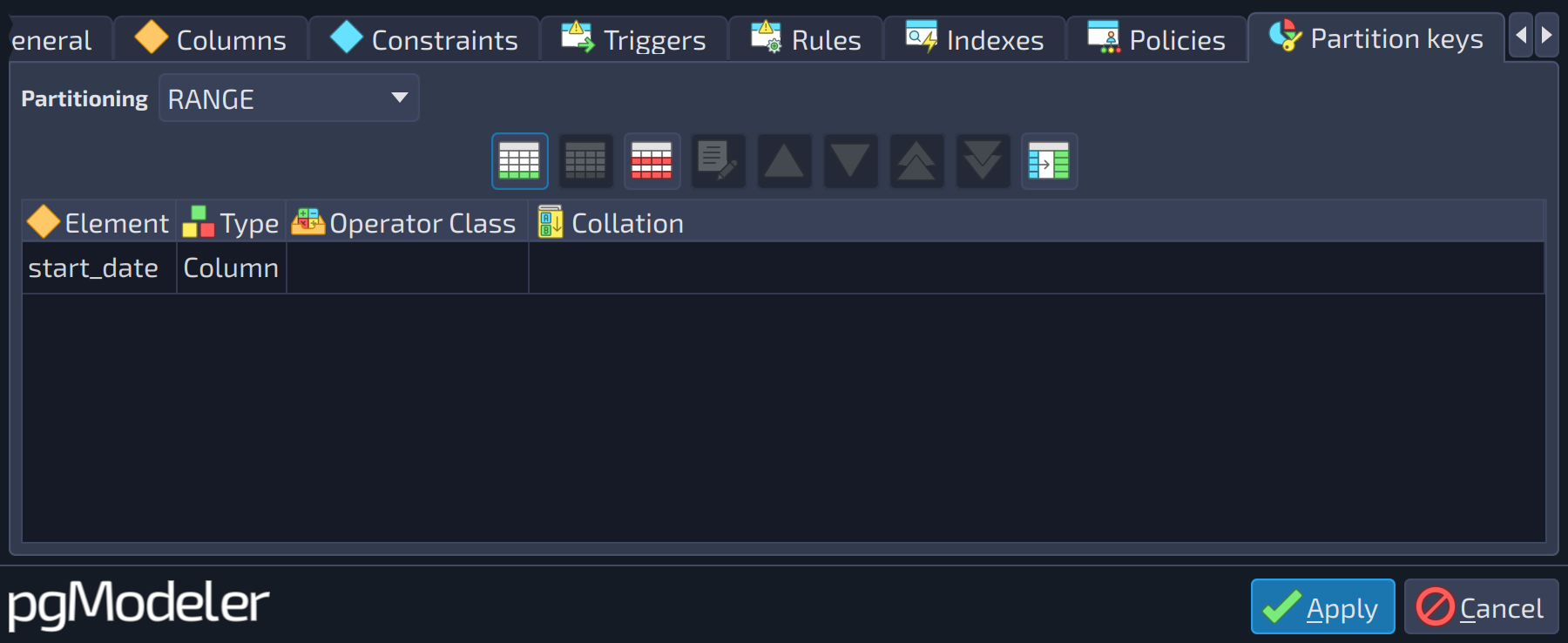
| 1 | Partitioning | The partitioning strategy adopted by the table: |
| 2 | Partition keys | The partition keys of the table, each one a column or an expression with its operator class, collation, and sorting. It is used when the table is configured as partitioned. Refer to the section Relationships for details about partitioning relationships. |
 1
1
| Tables | ||
|---|---|---|
| # | Field | Description |
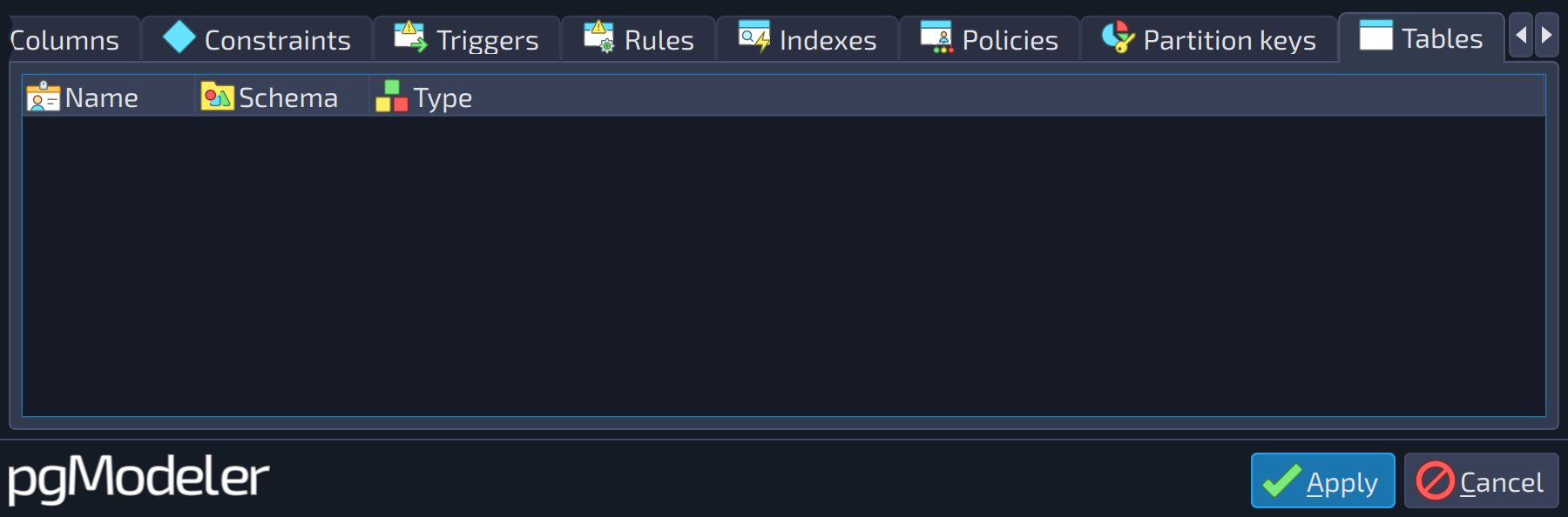
| 1 | Ancestor tables | The ancestors of the table, that is, the tables linked to it through a generalization relationship. Refer to the section Relationships for details. |
References
Table DDL
https://postgresql.org/docs/current/static/sql-createtable.html
Row level security
https://postgresql.org/docs/current/static/ddl-rowsecurity.html
Table partitioning
https://www.postgresql.org/docs/current/ddl-partitioning.html