2.6. Source code input fields
In almost all source code input fields, we'll find a numbered margin that shows the line numbers. Also, by default, most source input fields highlight the current line (where the text cursor currently lies). These settings can be changed in Appearance settings. Additionally, in these fields, the user can change the text case or change the indentation by selecting a portion of it and hitting Ctrl + U for upper case text, Ctrl + Shift + U for lower case text, Tab to indent right and Shift + Tab to indent left. The mentioned actions can be activated via the context menu as well.
pgModeler allows the loading of the contents of external source files to assign them to any object that demands the usage of SQL code, like functions, views, or custom SQL code. The toolbar at the top of the editor, numbered in the image below, shows seven actions available in any input field that is configured to accept source code via an external editor, and they are described as follows:
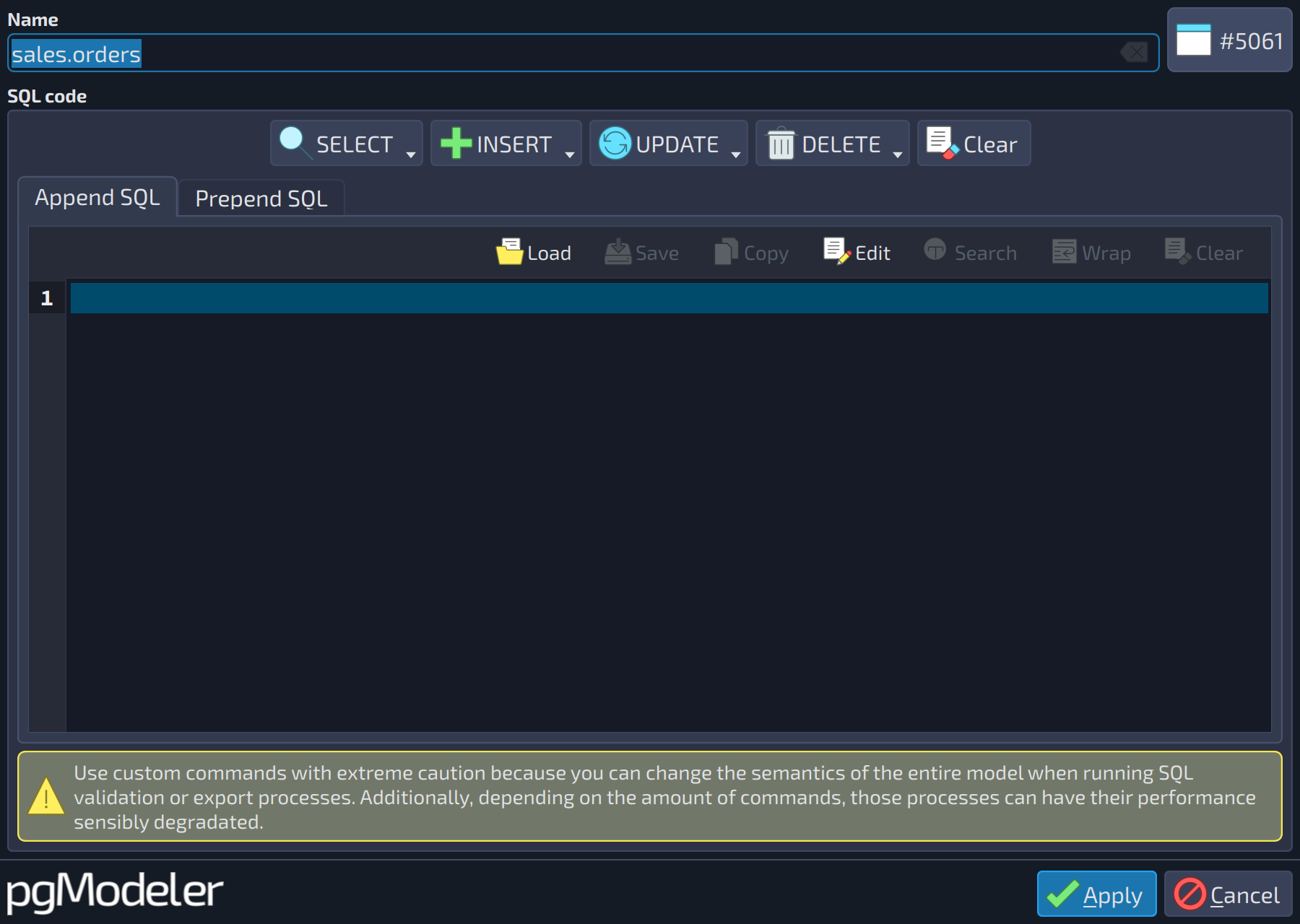 1234567
| Source code input field | |||
|---|---|---|---|
| # | Field | Group box | Description |
| 1 | Load | SQL code | Allows the user to load the contents of an external text file into the current field. |
| 2 | Save | SQL code | Saves the contents of the input field in a file. |
| 3 | Copy | SQL code | Copies the contents of the input field to the clipboard. |
| 4 | Edit | SQL code | Writes the field's contents into a temporary file and opens it in the configured external editor. The editor opens with the contents of the field, which were saved to the temporary file. The user can now edit the file externally, remembering to save it. Once the editor is closed, pgModeler detects the changes in the temporary file and places its new contents in the focused field. |
| 5 | Search | SQL code | Toggles the built-in text search widget. |
| 6 | Wrap | SQL code | Toggles the text wrap for long lines, breaking them at the width of the input field and moving the exceeding content to the line below. This only changes the visualization: the total number of lines in the text is not affected. |
| 7 | Clear | SQL code | Wipes out all text in the current field. |
In the General settings (see section General settings in Chapter 4: Handling settings), it's possible to define which editor will open when requested, as well as its arguments (specific for each chosen editor). It's important to warn about the risks of using external applications to edit sources in pgModeler. Since pgModeler isn't capable of guessing if the selected executable is an editor or a system command that wipes out all data from the computer, the user always needs to double-check what application is being used as the preferred source code editor.